Can AI detection catch Claude writing styles?
Anthropic's Claude lets users pick custom writing styles — we tested whether AI detection still catches Claude across different tones of voice.
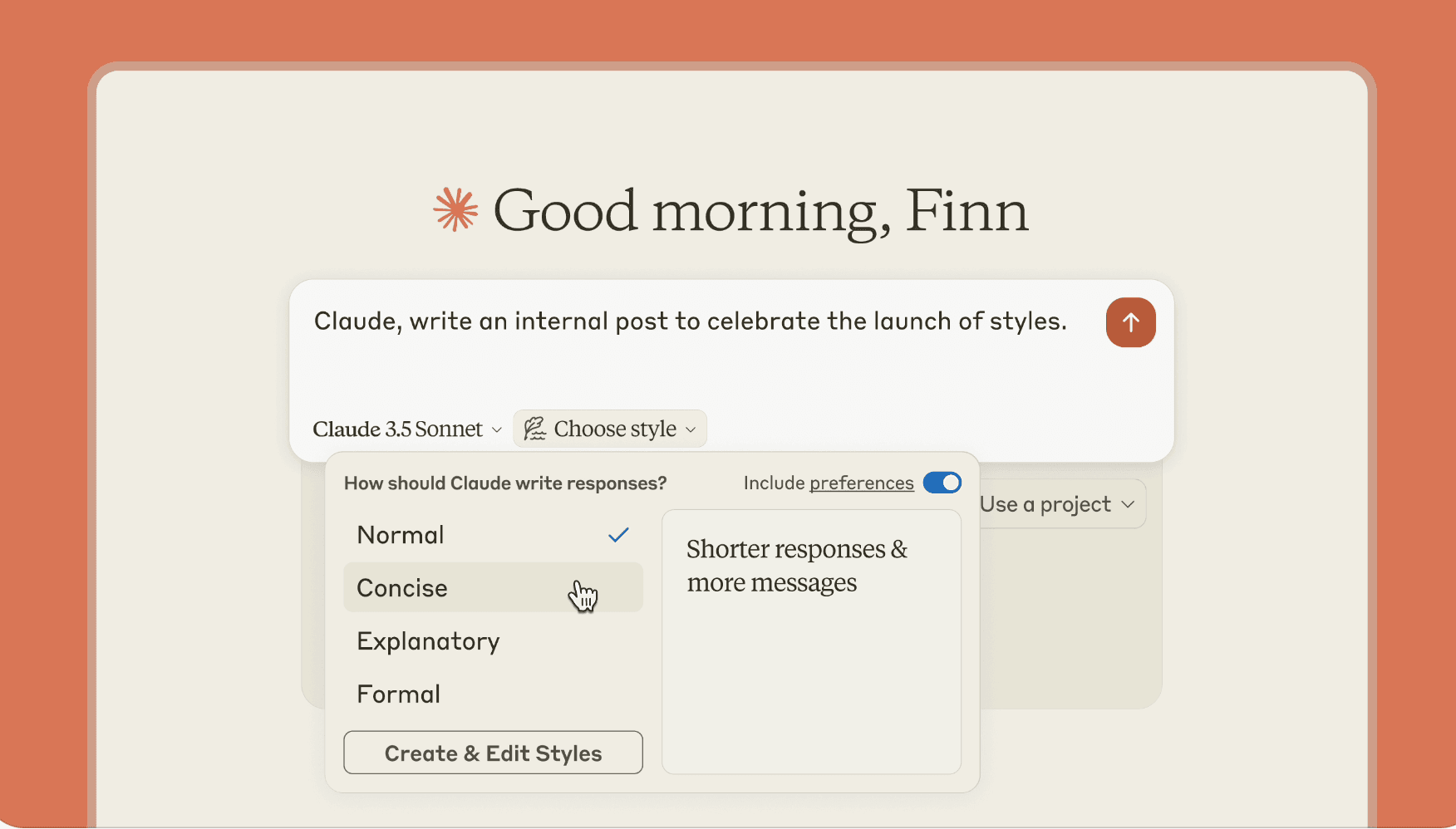 Image: Anthropic
In November, Anthropic released an update to Claude.ai allowing users to choose which tone of voice the assistant will respond with. In addition to the default tone of voice, users can choose from a preset menu of Concise, Explanatory, and Formal. There is also a mode for custom writing styles where you feed in some documents or instructions to be turned into your own writing style.
The presets are pretty self-explanatory. Concise usually responds in bullet points or lists. Explanatory produces longer responses. Formal omits Claude's signature "That's a great question" and writes pretty professionally. In my experience, however, they all still sound like Claude - they're no different than asking the assistant a question and asking for a concise/explanatory/formal answer.
But what we want to put to the test is our AI detection. I asked each Claude writing style for a 250-word essay on the fall of Rome. Let's take a look at the results.
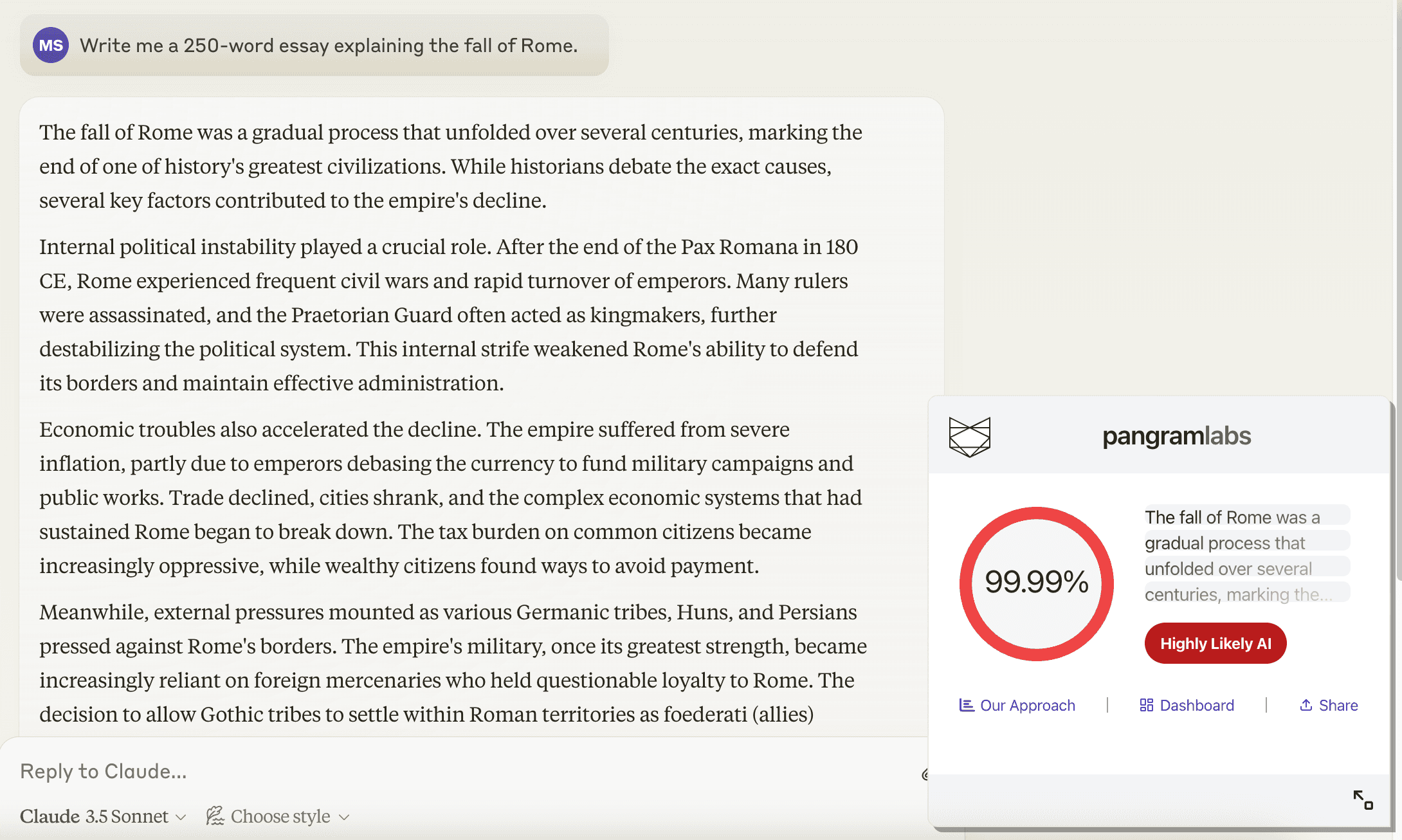 Standard Claude output
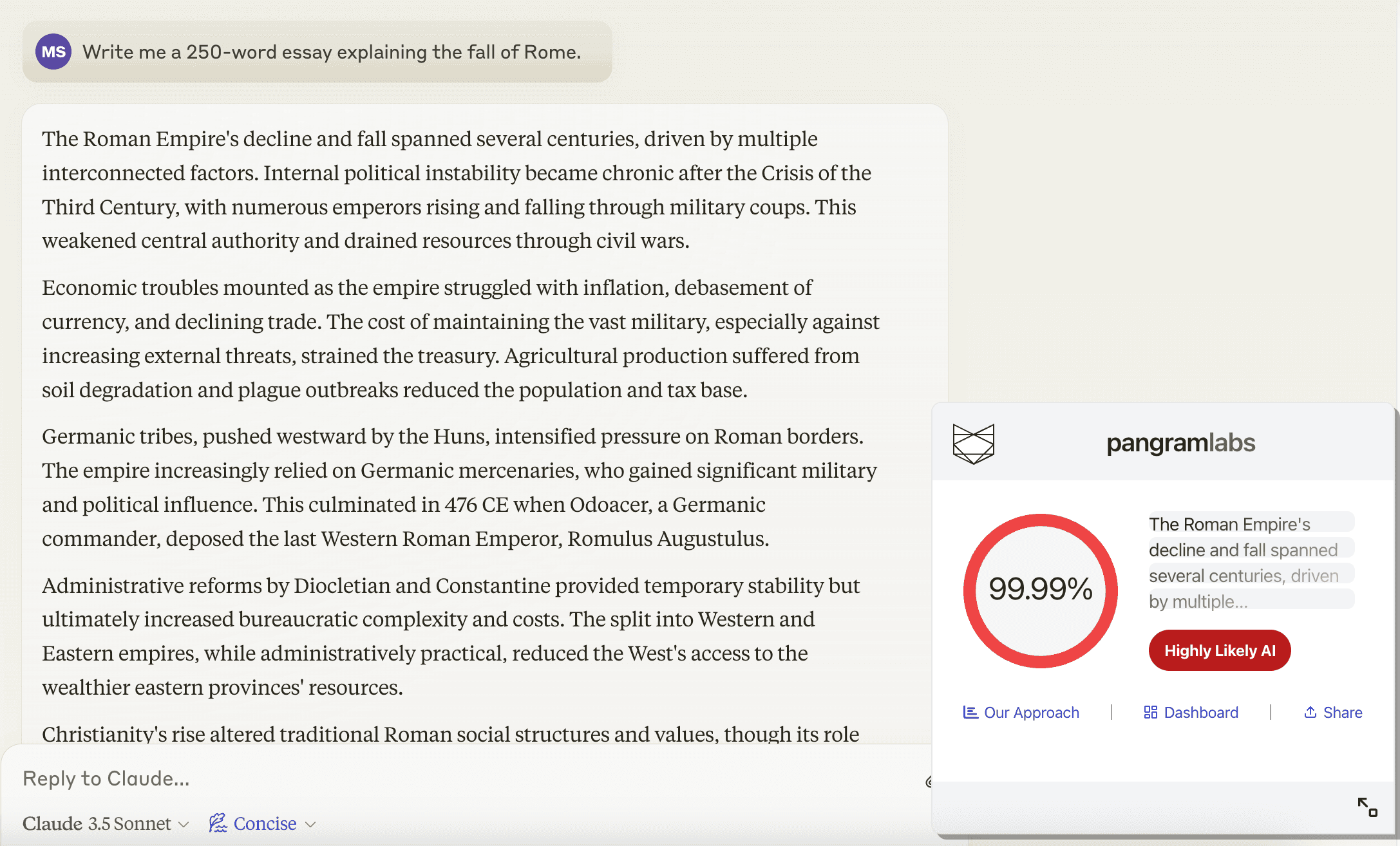 Concise Claude output
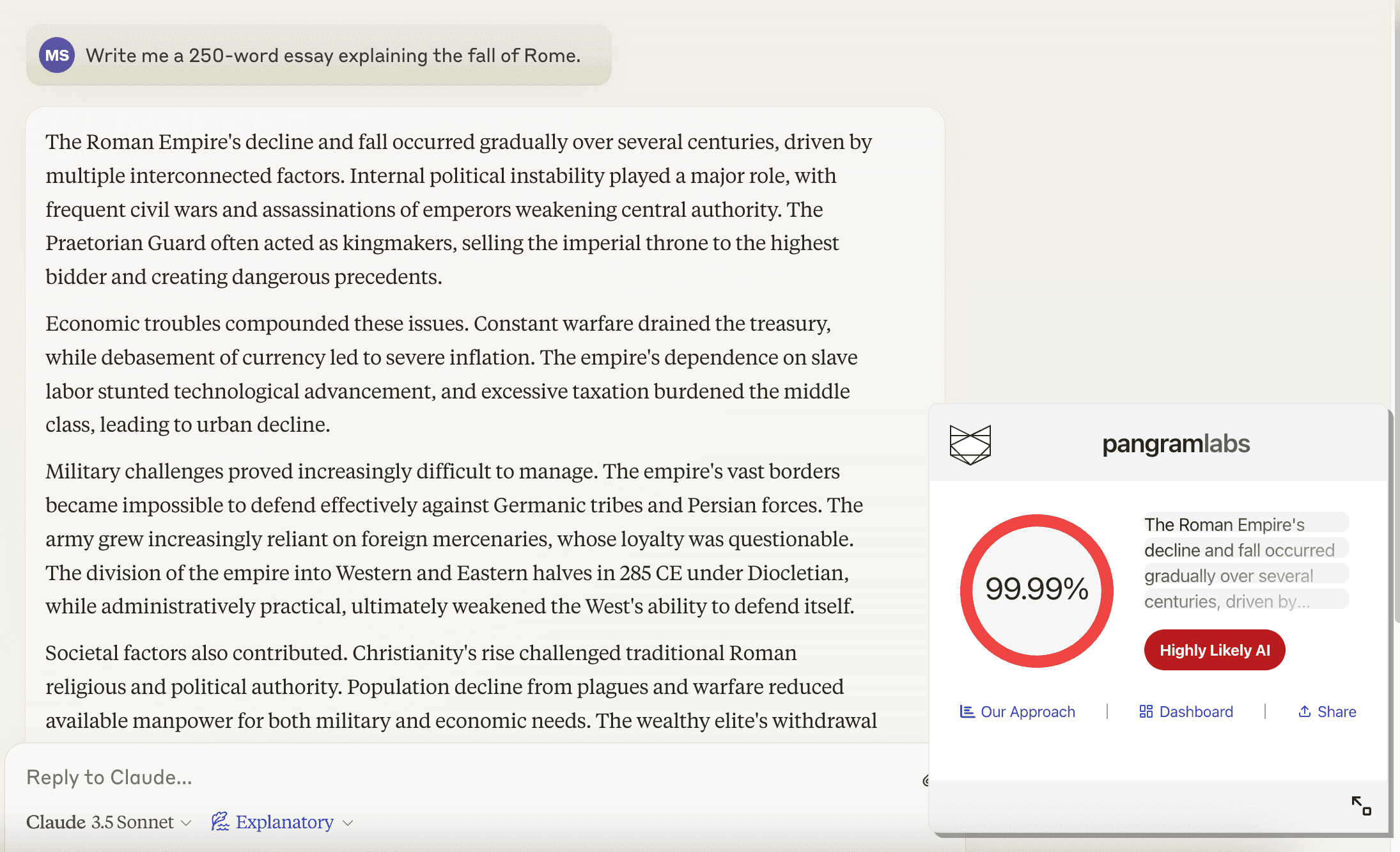 Explanatory Claude output
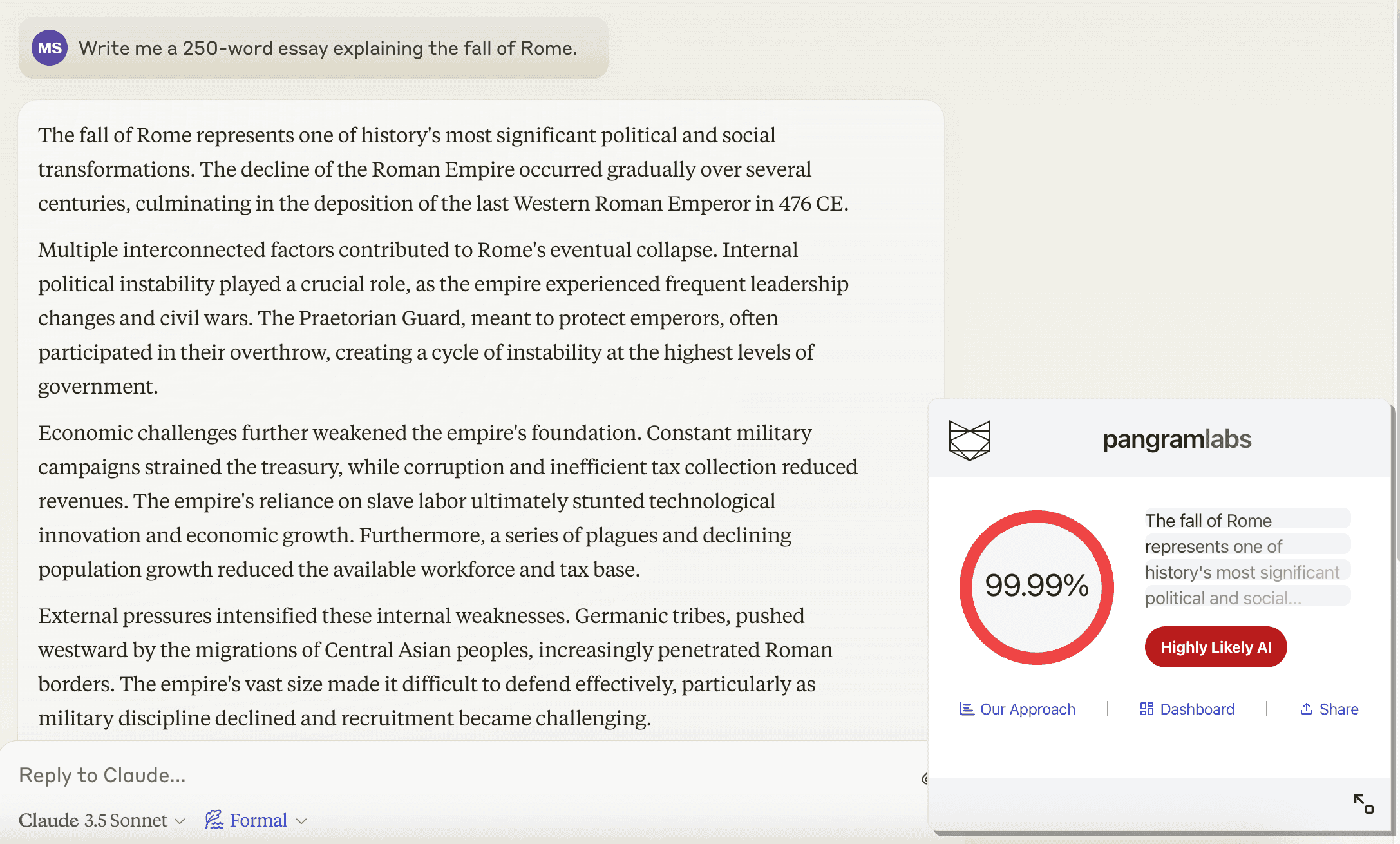 Formal Claude output
These all still sound pretty similar to Claude's normal writing style. These don't seem much different from asking directly in the prompt for a "concise" or "formal" output.
Let's see if we can do better using custom writing styles. The interface is pretty cool, basically you copy in some writing and it will generate a full prompt for you. I made one custom style based off of my own blog posts. Claude named it "Tech Storyteller." I made another from some Slate Star Codex blog posts and Claude named it "Scholarly Skeptic." It seems that this feature uses an LLM to produce around three sentences of instructions for the writing style. There is also a section for user examples, but to my surprise the examples given to the LLM are completely generated, and seem quite generic compared to the source examples.
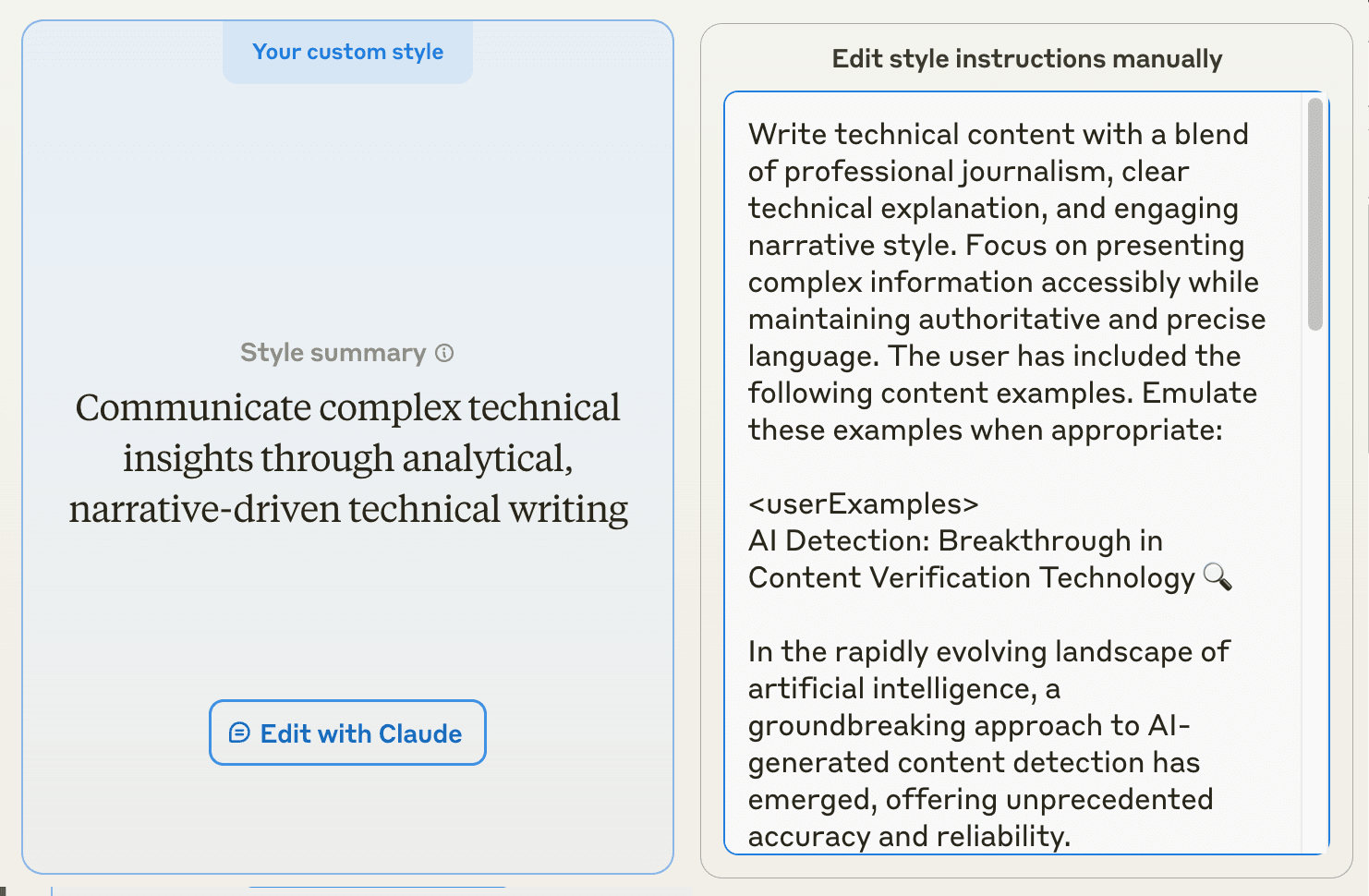 Tech Storyteller Prompt
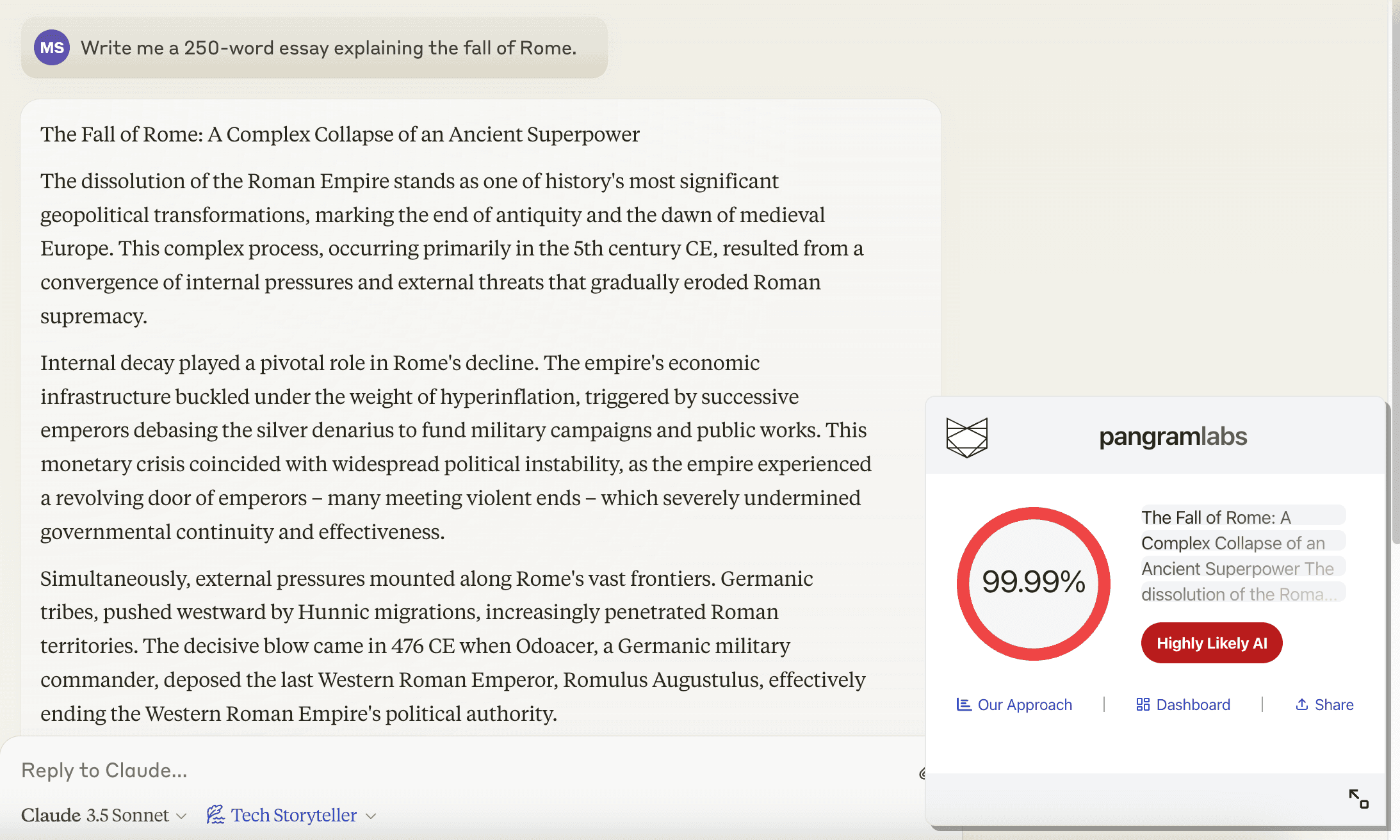 Tech Storyteller Claude output
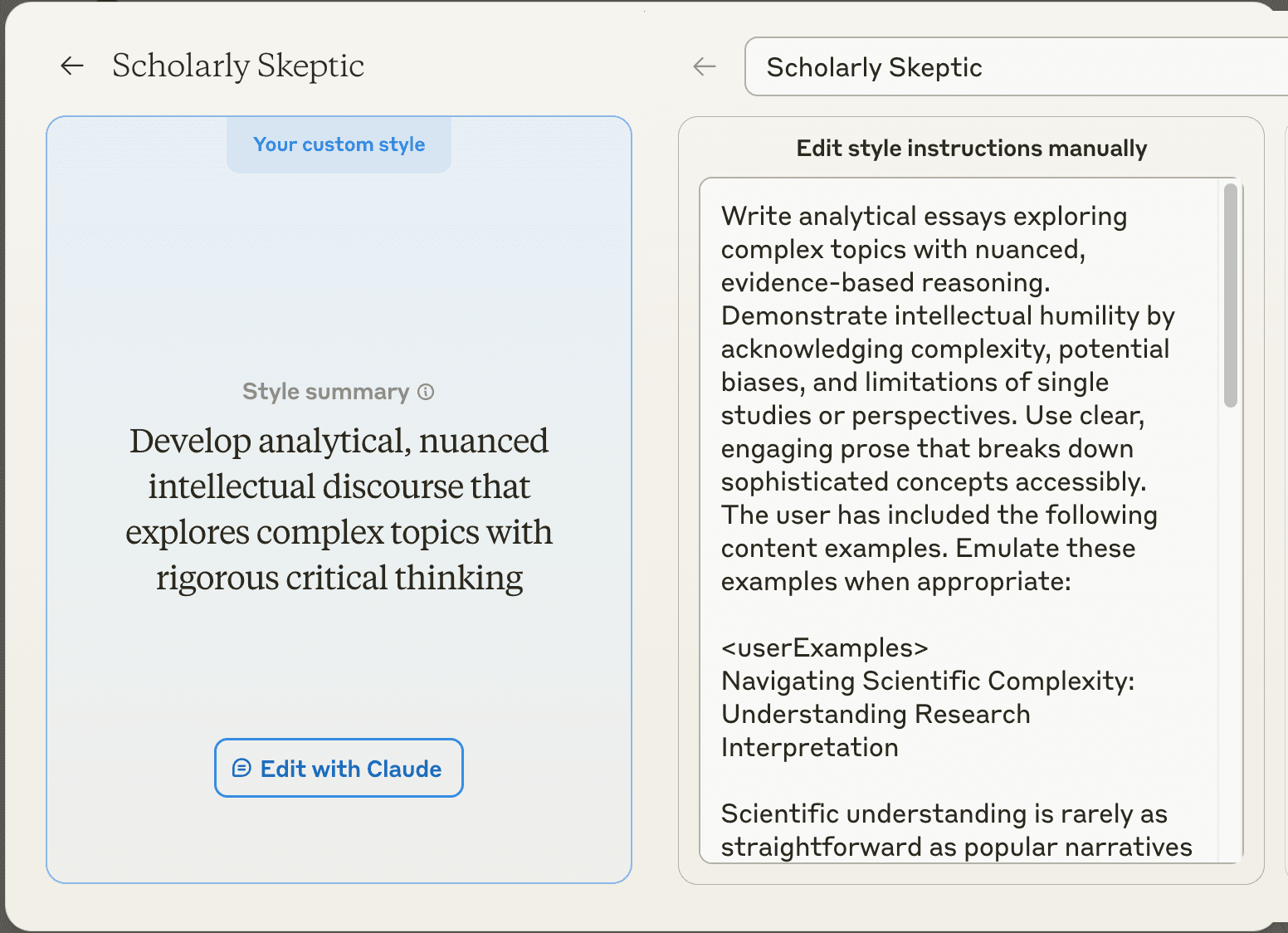 Scholarly Skeptic Prompt
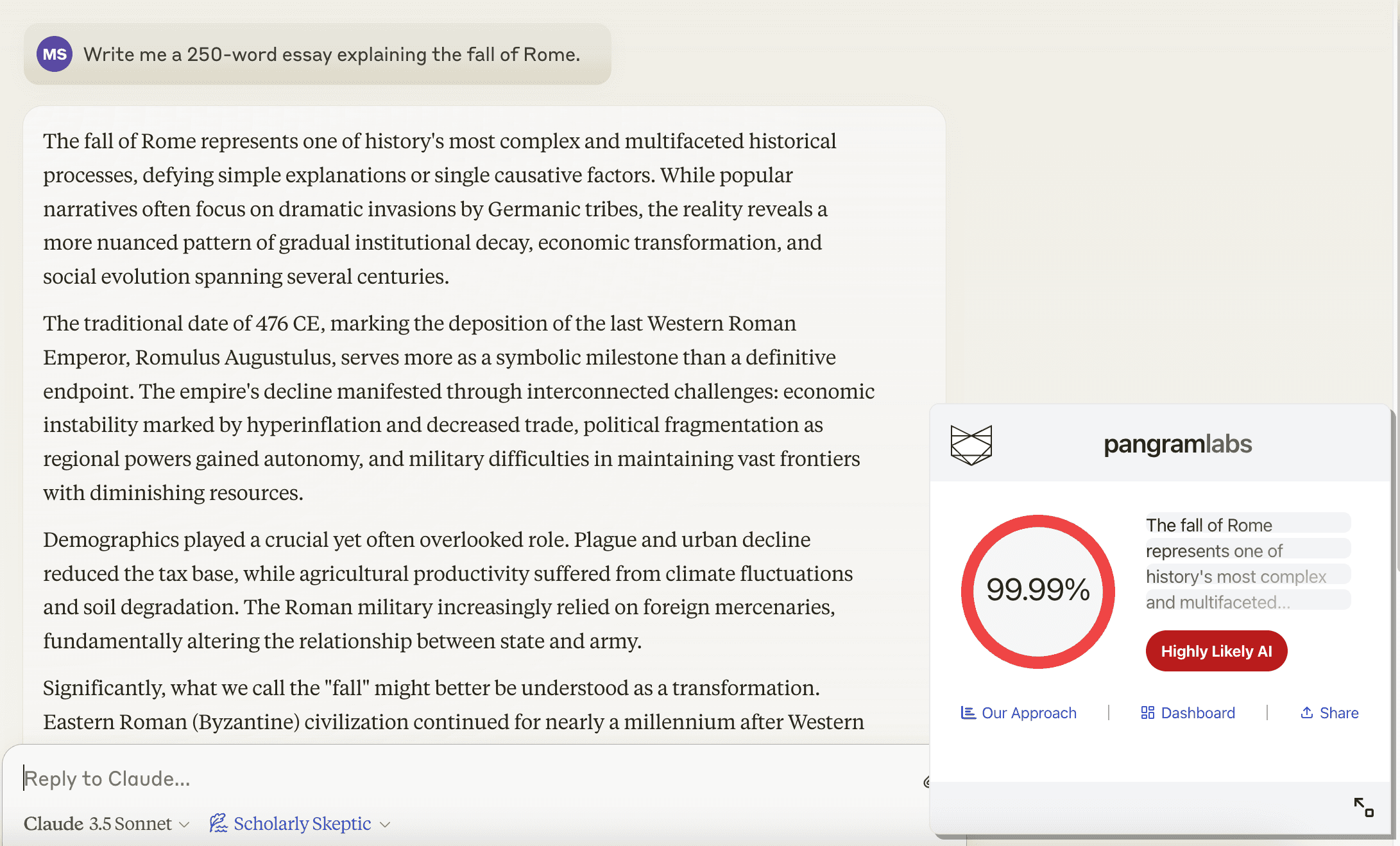 Scholarly Skeptic Claude output
These still clearly look like AI writing and Pangram's detection model still catches them.
Since I noticed the AI-generated user examples might be a shortcoming, I manually edited the writing style prompts to instead include the source examples: my blog posts and the Slate Star Codex posts.
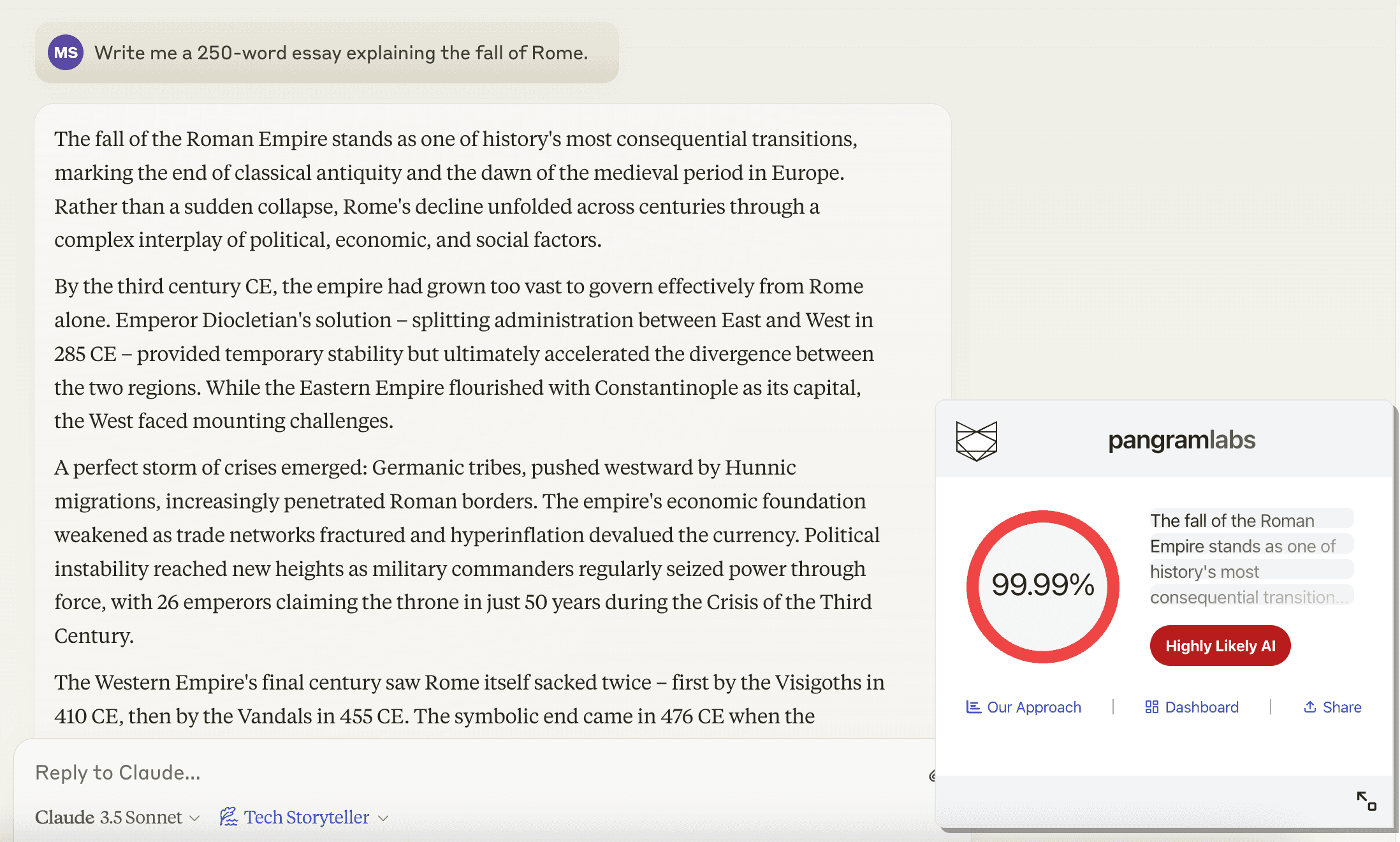 Updated Tech Storyteller Claude output
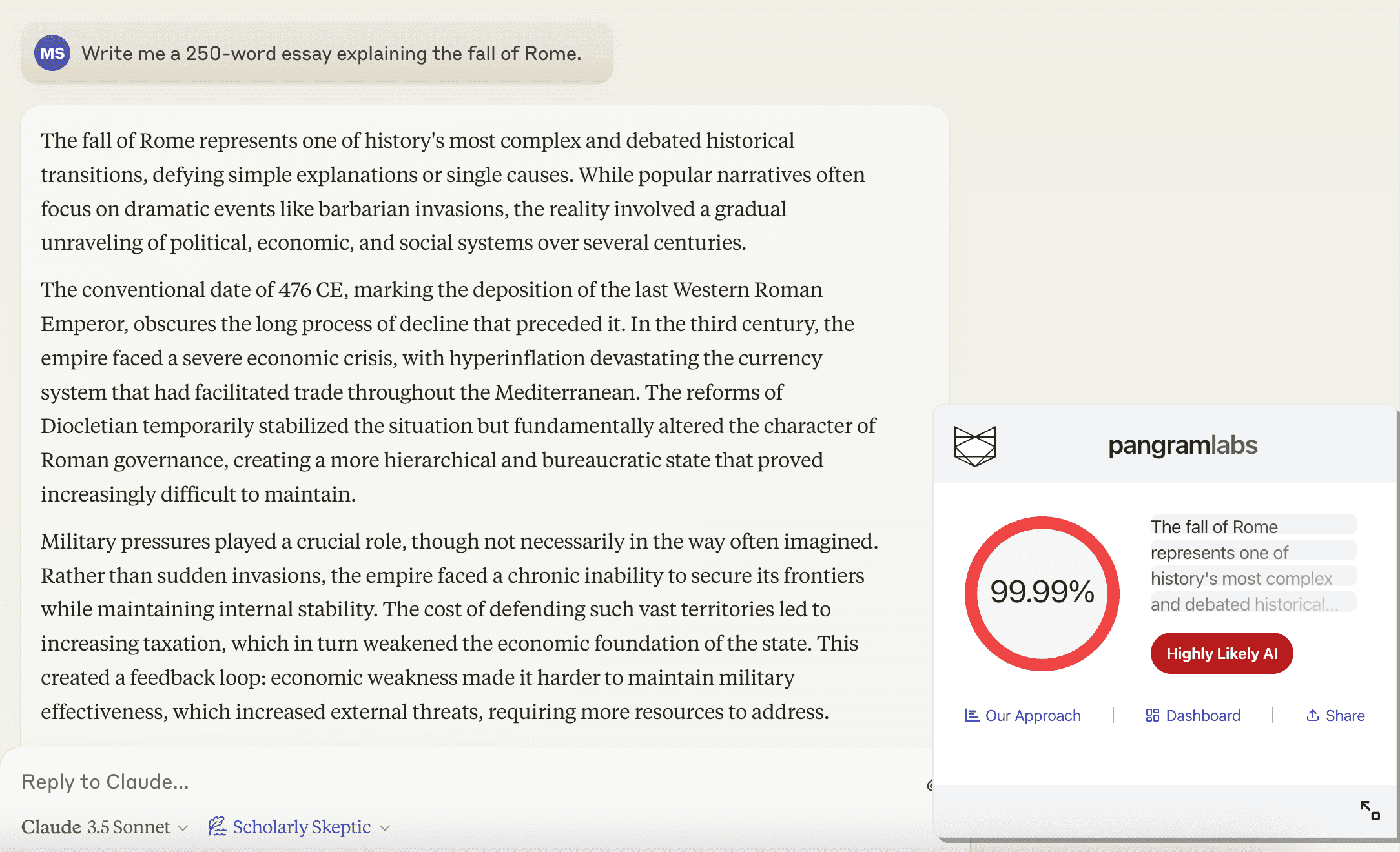 Updated Scholarly Skeptic Claude output
Still clearly identifiable as AI writing. Was it better or less AI-like? Not particularly, although the removal of the very AI-looking header in the Tech Storyteller was a step in the right direction. One thing I noticed is the writing style instructions talked about presenting "complex information" or "acknowledging complexity" which mostly seemed to result in the AI writing using the word "complex" more than in the other essays. Not exactly the writing style we asked for.
A final note, I used the Pangram dashboard to examine what exactly about the essays was giving them away as AI-written. Many of the phrases used were much more common in AI writing than normal human writing.
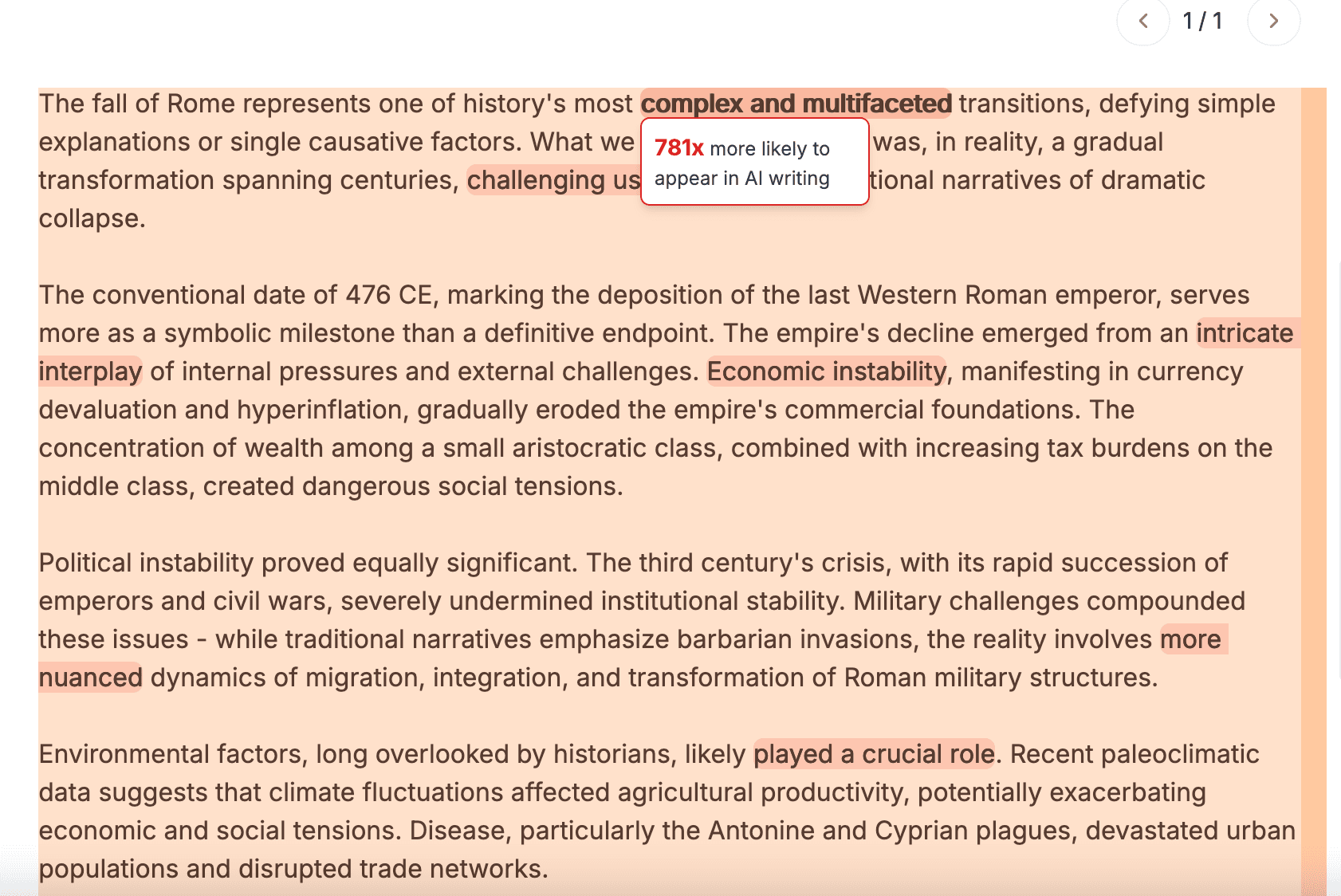 Pangram Dashboard
For example, our model has found that "complex and multifaceted" is used 700x more often in AI writing than human writing. "Intricate interplay" is used 100x more often. "Played a crucial role" is used 70x more often. These phrases are an example of how we might intuitively detect AI writing, but the model uses a holistic approach, taking the full context of the document into account.
All in all, Claude writing styles seems like a neat feature for people who don't want to append "no yapping" to every prompt, but it's not a tool for making AI outputs undetectable.
Try Pangram's AI detection tool to check for Claude and other model outputs.
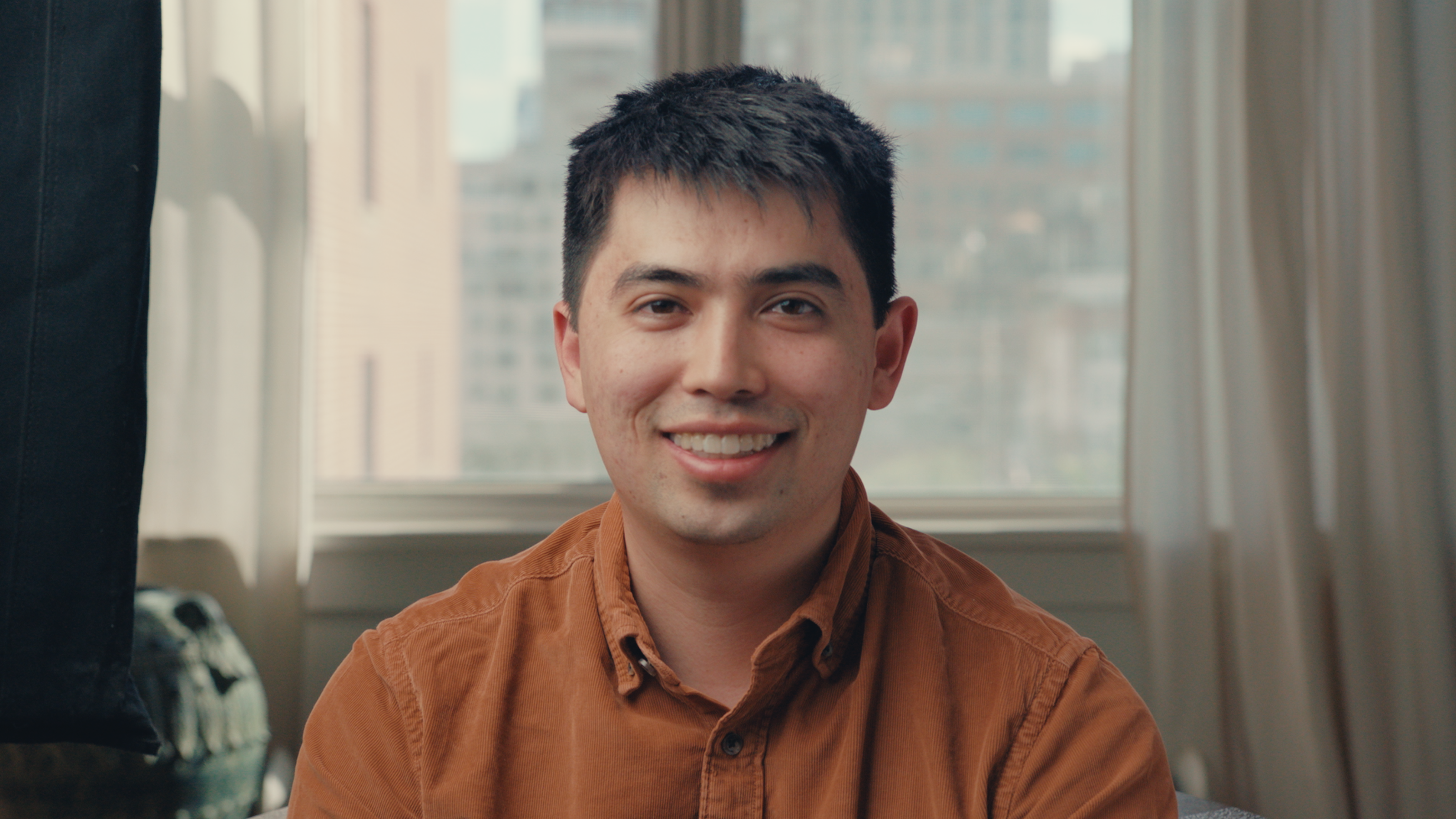
Max is a seasoned machine learning engineer. He most recently worked on autonomous vehicles at Nuro, leading their active learning effort. He has a long history of deploying successful machine learning products at Google, Two Sigma, and Yelp.
Max holds a B.S. in theoretical computer science and an M.S. in artificial intelligence from Stanford University. In addition to his passion for building, he is also an active member of the Magic: the Gathering cube community.
Related reading
Mirror, Mirror On The Wall, Who’s The Realest Of Them All?

How to Detect AI on Reddit - Fighting the Bots
How does AI detection work?
The Challenge of Assessment
Best 5 AI Tools for Schools