
You can change the email address on your Pangram account from your account settings.
Change your account's email address
- Log in and open your account settings by hovering over the icon with the name of your account in the top right and selecting account settings.
- Select "Change Email Address" above your email in Account Information
- Click "Get Code" to get a 6 digit verification code sent to your current email address. Type in the verification code and your desired new account email, and click "Change Email", and the process is complete
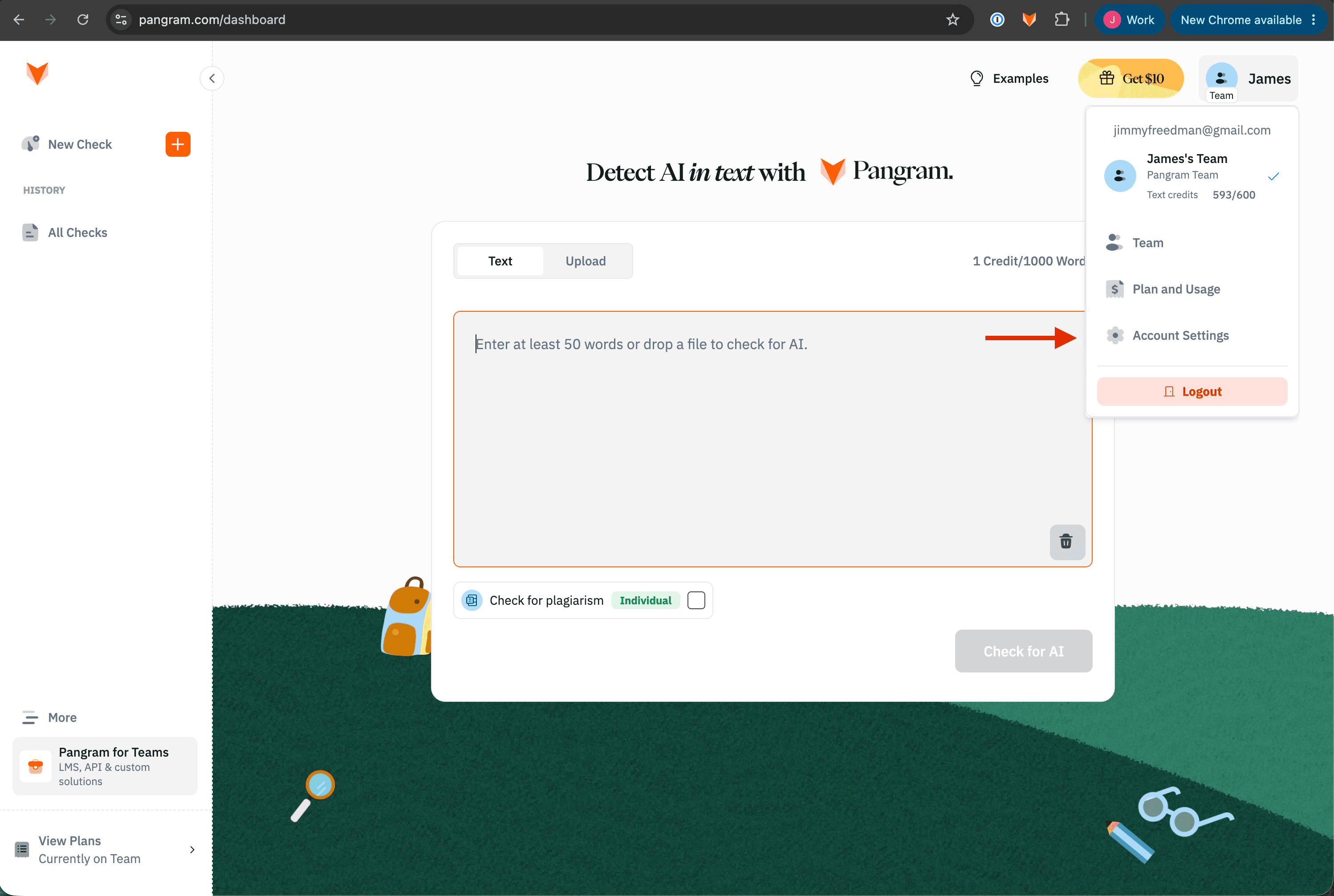 open your account settings
 Change your email
 Change your email