
Deleting your account permanently removes your account and associated data. This cannot be undone. If you just wish to delete one, several, or all of your previous scans, you can do so without deleting your account. Refer to the How to delete your scans article for help deleting scans.
Delete your account
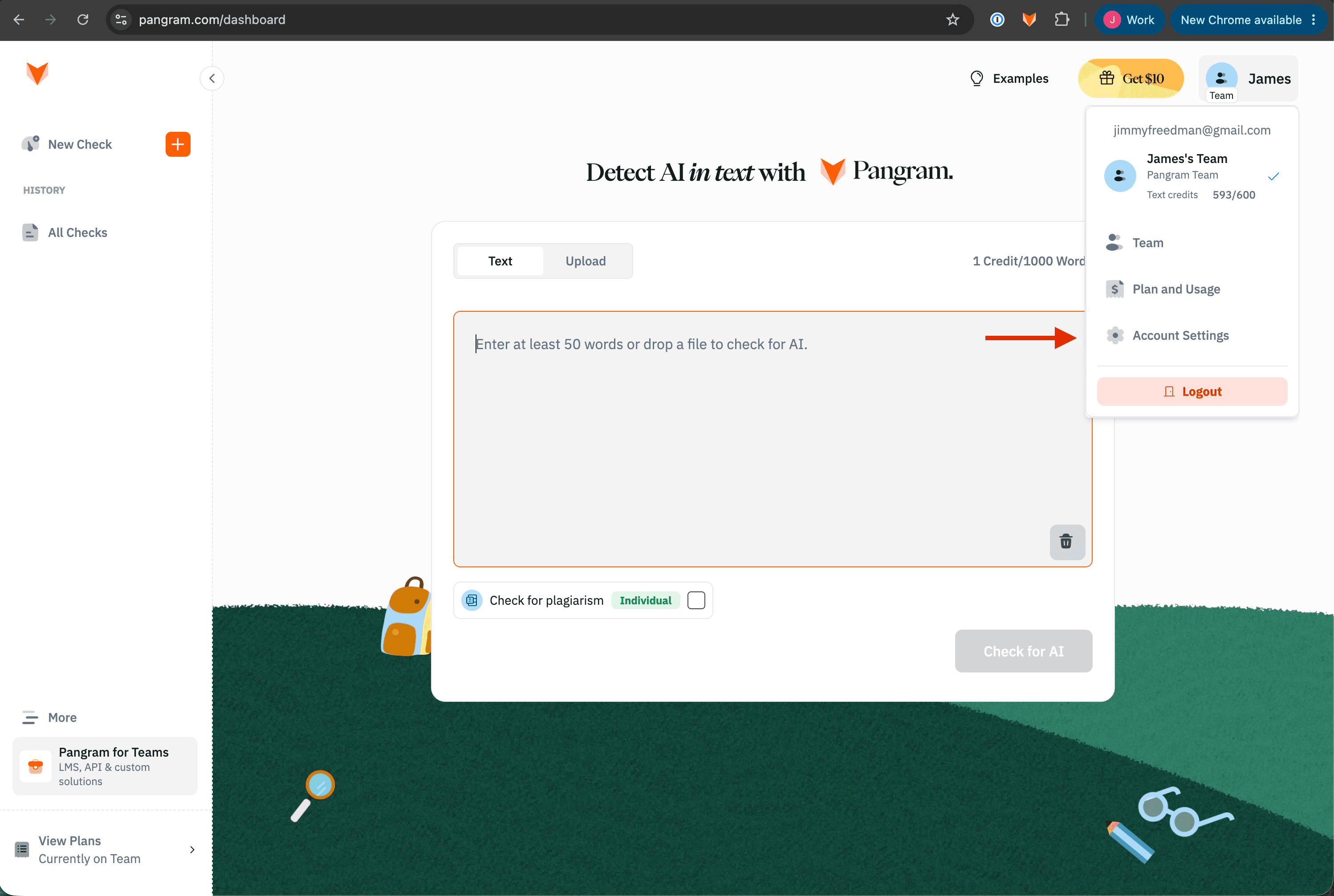
- Log in and open your account settings by hovering over the icon with the name of your account in the top right and selecting account settings.
- Select the option to delete your account under Danger Zone.
- Click "Get Code" to get a 6 digit verification code sent to your current email address. Type in the verification code and type DELETE into the textbox below to confirm you wish to permanently delete your account.
- Press Permanently Delete Account. Your account and all associated data will be deleted and unrecoverable.
 Delete your account