
You can share a result you ran in the extension in the same way that you can share a dashboard result.
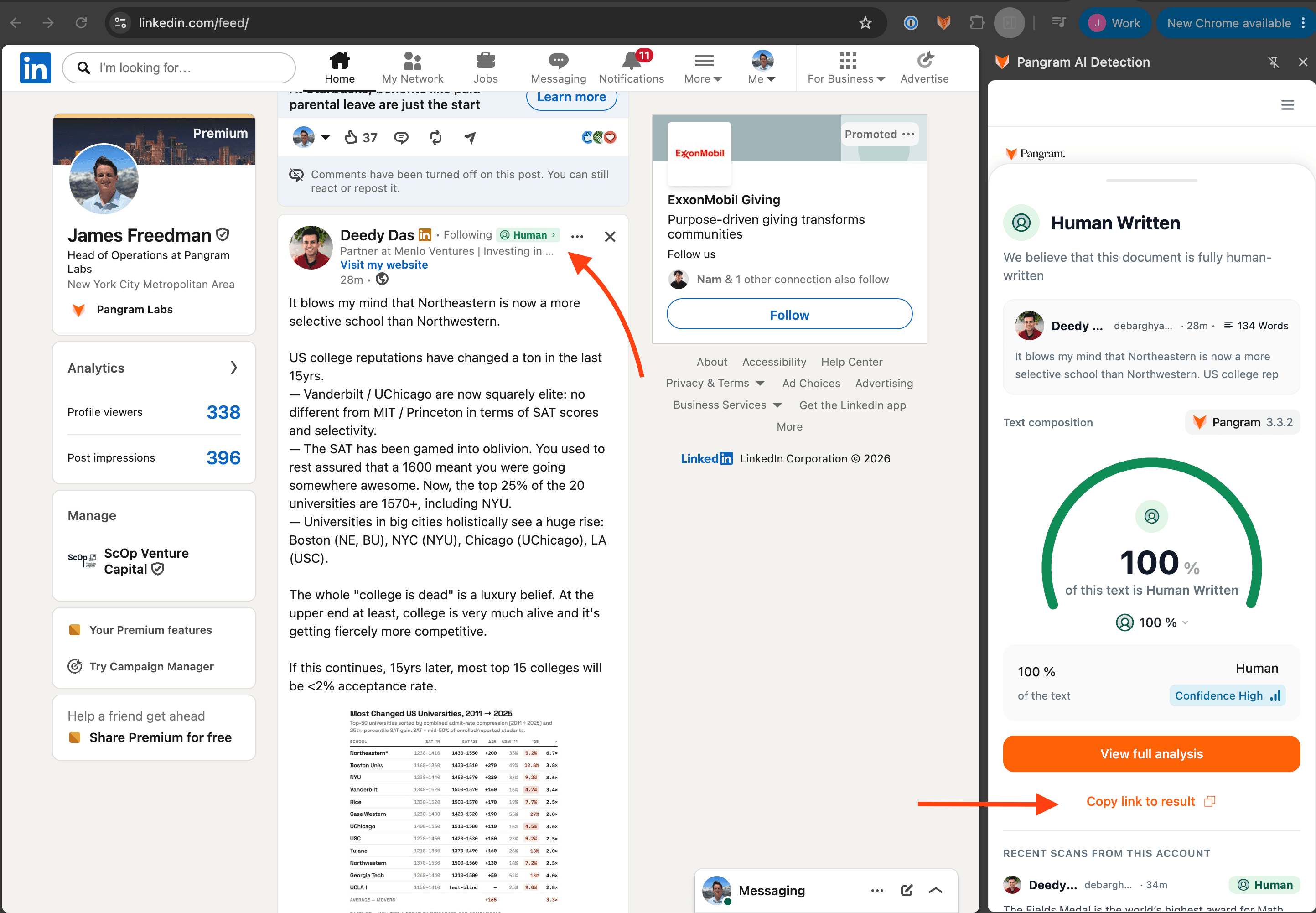
Share a feed scanner result
- Click the AI, Human, or Mixed icon by the post or comment whose scan you wish to share.
- As the scan pops up in the extension, click "Copy link to result" to generate a shareable link.
Share a standard text scan result
- After selecting a portion of text and running a scan with the Chrome extension (see Scanning text with the Chrome extension), simply click "Share result" at the bottom of the floating widget that appears with the corresponding scan.
 Share a standard text scan result