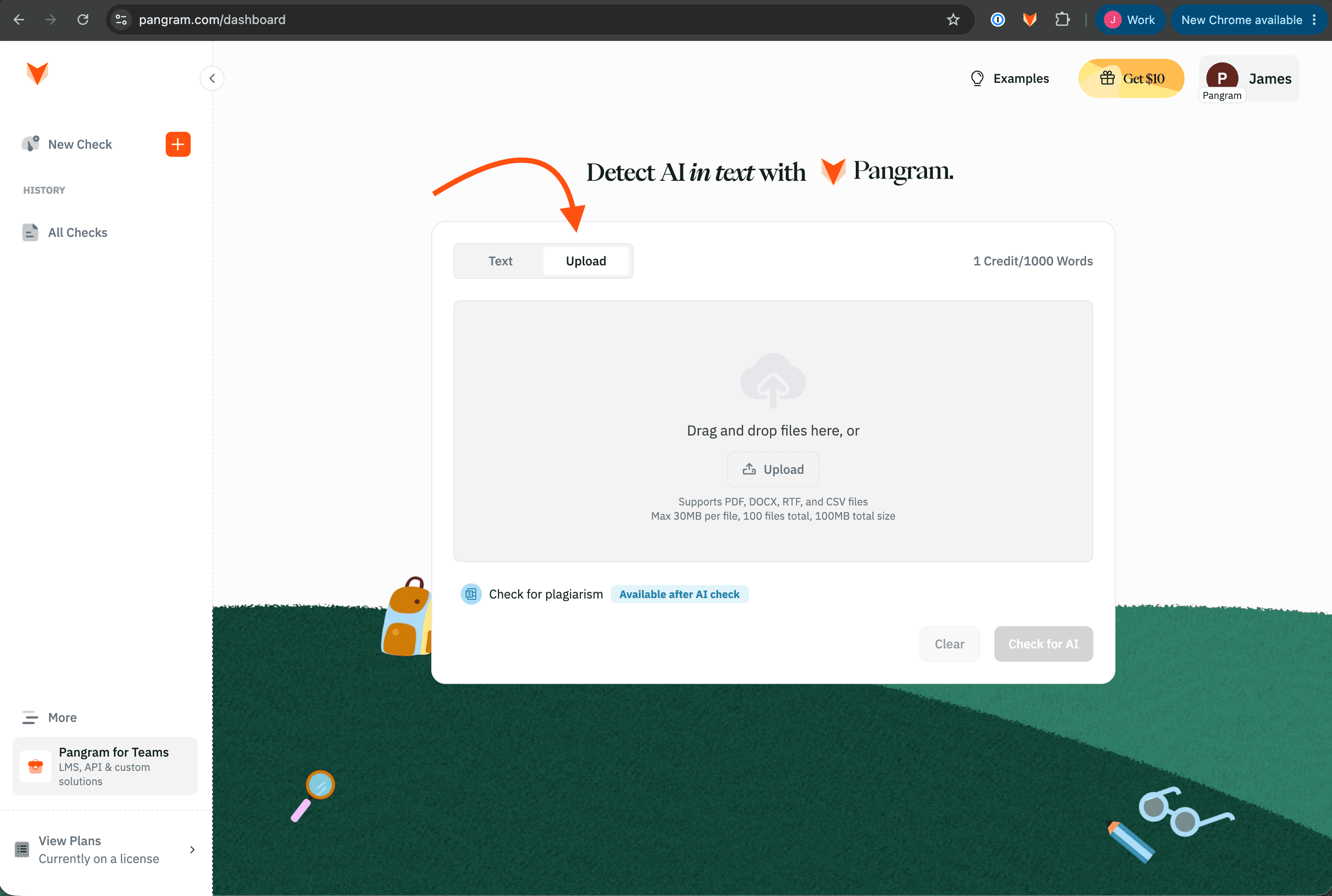
Instead of pasting text, you can upload a document or documents and let Pangram scan them directly.
Before you begin
- Supported file types: PDF, DOCX, CSV, RTF
- Max 30MB per file, 100 files total, 100MB total size
- Each document still needs at least 50 words to be analyzed.
Upload a file
- Open your Pangram dashboard at https://www.pangram.com/dashboard.
- Click the Upload option above the text box to the right of "Text".
- Drag and drop your file into the upload area, or click Upload in the upload area to select a file from your document explorer
- Run the scan and read your result.
- For CSV files, and scanning multiple submissions in one file, see How to bulk upload submissions to Pangram